How to join the server
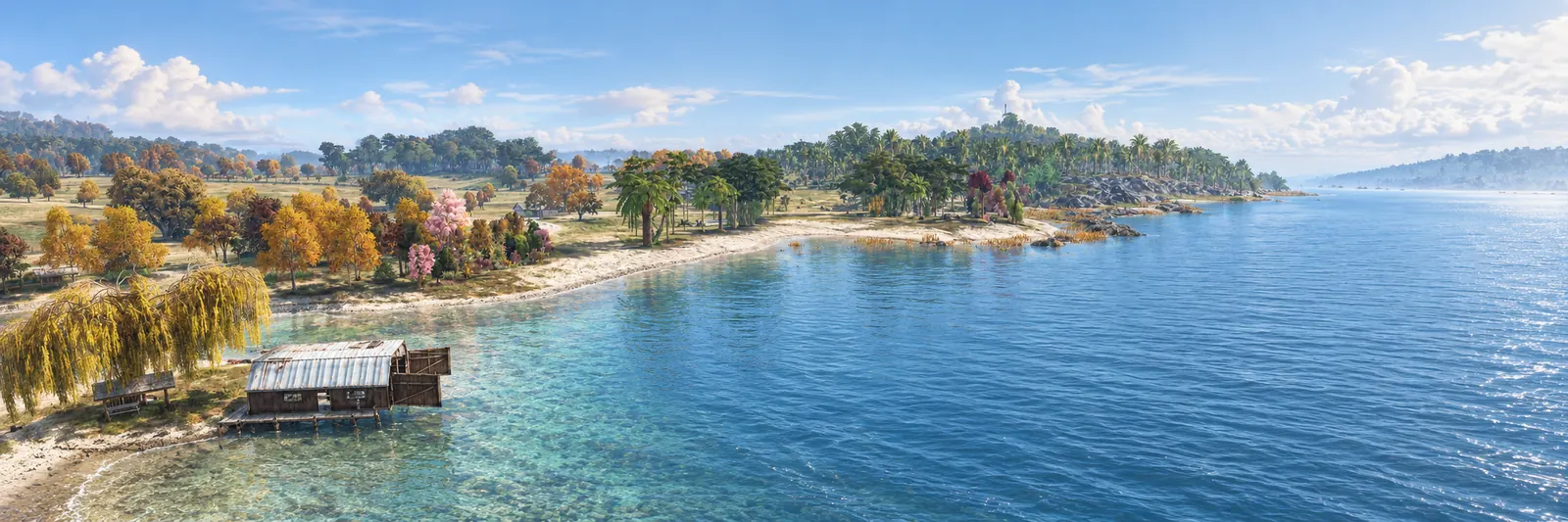
The Underground: Reborn is a DayZ PvE server on Deer Isle with marked PvP zones. Joining takes about five minutes, plus the time it takes to download the mods.
 Connect with Steam
Server IP 172.111.51.220
Game port 2992
Type in direct connect 172.111.51.220:2992
DZSA Launcher link dzsal://172.111.51.220:2993
What you need
- DayZ on Steam, on PC. The server needs the PC version of the game.
- The DZSA Launcher, which is free and downloads every mod the server uses for you: dayzsalauncher.com.
Join in five steps
Install the launcher
Download the DZSA Launcher from dayzsalauncher.com and install it. Sign in to Steam as normal.
Find the server
Open the launcher, go to the server list and search
Underground Reborn. You can also use the one-click link at the top of this page once the launcher is installed.Favourite the server
Click the star in the FAV column next to our name. From then on you don't have to search: tick Show favourites only in the filters and we're right there every time.
Press Play
The launcher downloads and updates the mods, then starts DayZ and connects you. The first download takes a while. Later visits only update what changed.
Join the Discord
Rules, wipe dates, announcements and help are at discord.gg/tudayz. Read the rules before you play.
Joining by hand
If you would rather type the address in DayZ's own server browser or direct connect, use the address above. The mods still have to be installed, which is why we recommend the launcher.
If you can't connect
- Restart the launcher and let it finish updating the mods before you press Play.
- The server may be restarting. The home page shows whether it is online right now.
- Still stuck? Ask in the Discord and tell us what the error says.